For inquiries call/Whatsapp Us on: 0791971585 TIll: 5671543 Email on: info@entrusterrands.co.ke

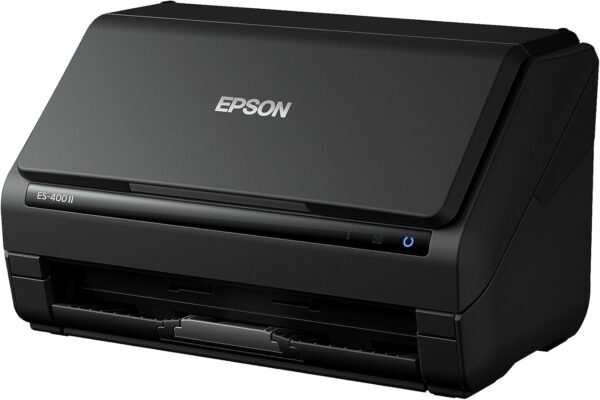
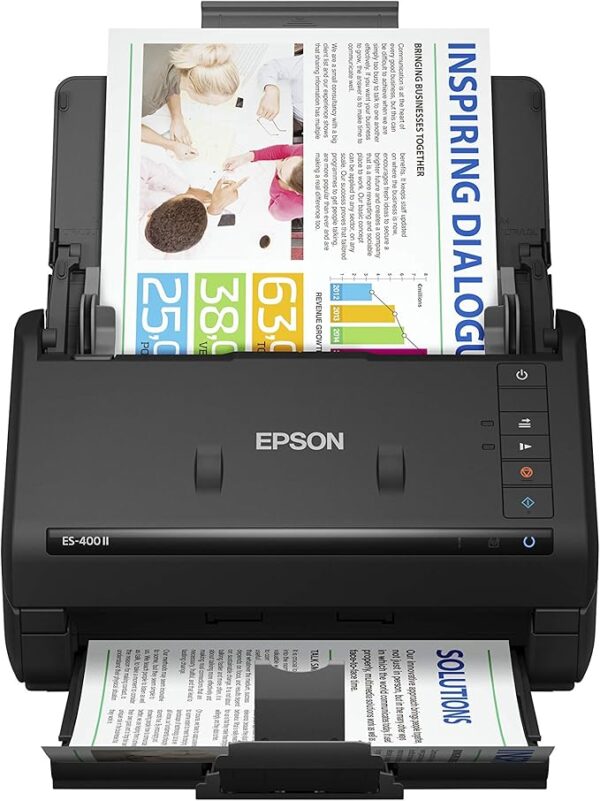

EPSON SCANNERS
KSh 40,000.00
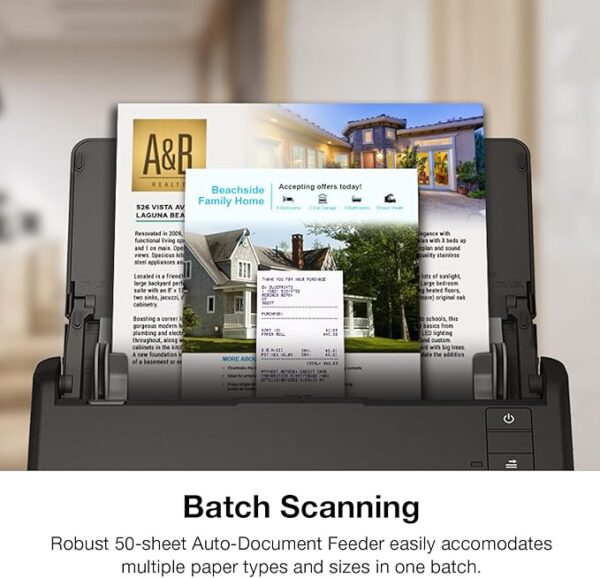
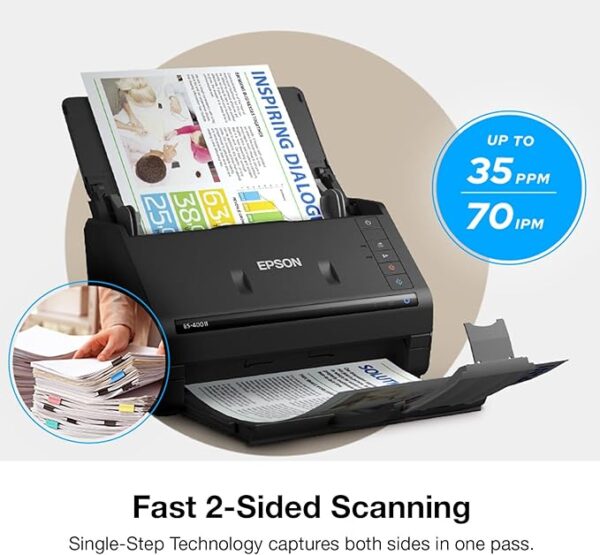
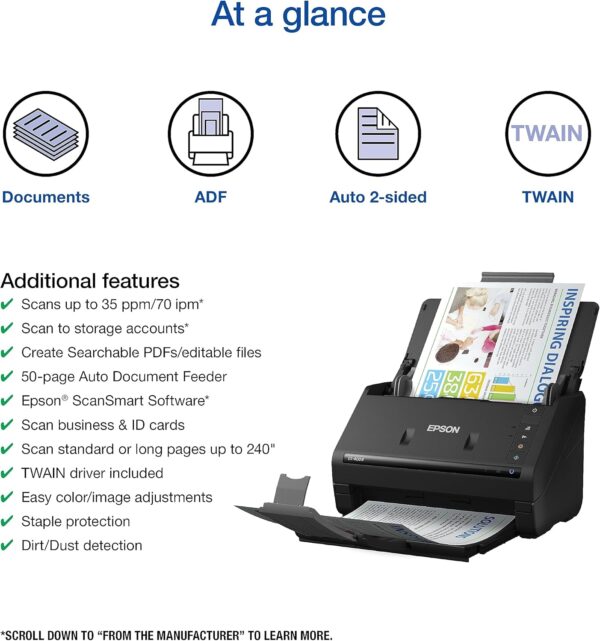
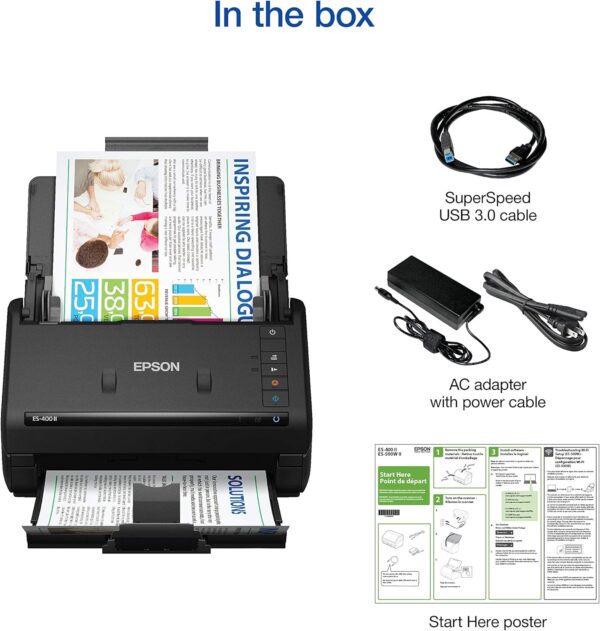
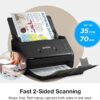
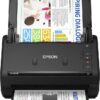
FAST DOCUMENT SCANNING – Speed through stacks with the 50-sheet Auto Document Feeder, perfect for office scanning and working from home
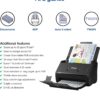
INTUITIVE, HIGH-SPEED SOFTWARE – Epson ScanSmart Software lets you easily preview scans, email files, upload to the cloud, and more. Plus, automatic file naming saves time
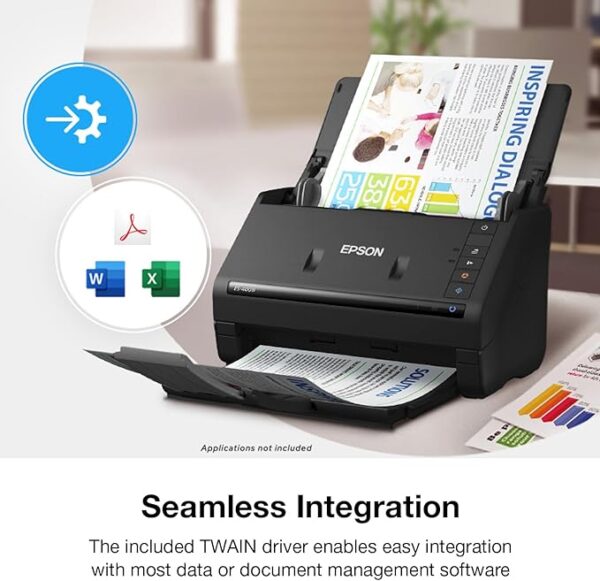
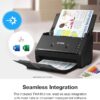
SEAMLESS INTEGRATION – Easily incorporate your data into most document management software with the included TWAIN driver, ensuring seamless integration with office workflows.
EASY SHARING – Scan straight to email or popular cloud storage services like Dropbox, Evernote, Google Drive, and OneDrive. Ideal for home or office scanning.
SIMPLE FILE MANAGEMENT – Create searchable PDFs with Optical Character Recognition (OCR) and convert scans to editable Word or Excel files effortlessly, ideal for document scanning.
Overview
Epson scanners are known for their reliability, advanced imaging capabilities, and user-friendly design. They are available in various lines, such as:
-
Epson WorkForce Series:
Designed for business and office environments, these scanners focus on high-speed, high-volume document scanning with features like automatic document feeders (ADFs) and duplex scanning. -
Epson Perfection Series:
Aimed at photographers and professionals, these scanners provide high resolution and detailed image capture for photos, negatives, and slides. They include advanced features like dust and scratch removal and color correction. -
Epson Expression Series:
Ideal for home or small office use, these scanners offer a balance between quality and ease of use for everyday scanning tasks.
Common Key Specifications
-
Resolution:
• Document scanners typically offer up to 600 dpi, while photo and film scanners can reach resolutions of 4800 dpi or higher for detailed image capture. -
Speed:
• High-speed scanning capabilities, often featuring automatic document feeders (ADFs) for multi-page documents, making them ideal for busy office settings. -
Connectivity:
• USB connectivity is standard, with many models also offering network or Wi-Fi connectivity to facilitate integration into modern work environments. -
Image Correction & Software:
• Advanced image processing features such as automatic color correction, dust and scratch removal, and OCR (optical character recognition) for searchable documents. • Bundled software that assists with scanning, editing, and organizing files. -
Design & Usability:
• Compact and ergonomic designs with user-friendly interfaces. • Models with flatbed designs for photos and ADF-equipped scanners for documents.
Reviews
There are no reviews yet.