For inquiries call/Whatsapp Us on: 0791971585 TIll: 5671543 Email on: info@entrusterrands.co.ke

Power Backup Solutions: How to Protect Your Devices from Blackouts and Surges

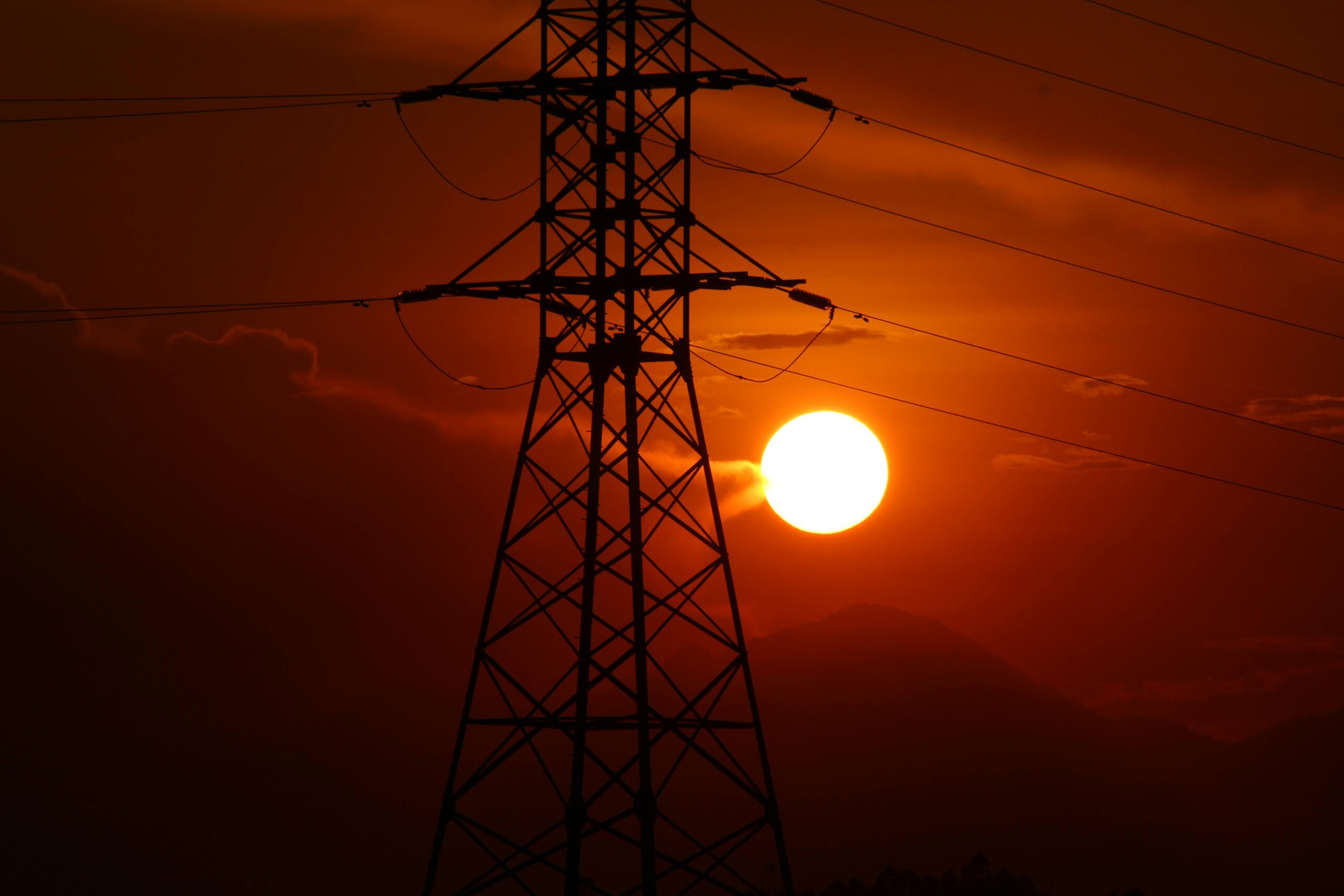
In today’s digital world, power disruptions can cause lost data, damaged devices, and business downtime. Whether you run a home office, a small business, or a large enterprise, investing in the right power backup solutions ensures smooth operation during outages.
In this guide, we’ll explore the best power backup options—from UPS systems to batteries—and how they can keep your electronics safe and running.
1. Why Power Backup Solutions Are Essential
Power outages and surges can occur due to:
⚡ Unexpected blackouts – Interrupt work and cause unsaved data loss.
⚡ Voltage fluctuations – Can shorten the lifespan of sensitive electronics.
⚡ Lightning strikes – May cause irreversible damage to unprotected devices.
To avoid these risks, businesses and home users rely on Uninterruptible Power Supplies (UPS) and backup batteries.
2. Choosing the Right UPS for Your Needs
A UPS (Uninterruptible Power Supply) provides backup power and voltage regulation to keep devices running during outages.
Types of UPS Systems
🔹 Standby UPS – Ideal for home offices and personal computers. Activates during power loss but offers limited surge protection.
🔹 Line-Interactive UPS – Perfect for small businesses. Automatically stabilizes voltage fluctuations.
🔹 Online Double-Conversion UPS – Best for critical systems like servers, medical equipment, and enterprise networks. Provides continuous, clean power.
What to Consider When Buying a UPS
✔ Power Capacity (VA/Wattage) – Choose a UPS that can handle the total load of your devices.
✔ Battery Runtime – Consider how long you need backup power before shutting down.
✔ Number of Outlets – Ensure enough ports to protect your essential equipment.
✔ Automatic Voltage Regulation (AVR) – Protects against voltage spikes and drops.
Recommended Model: APC Smart-UPS 1500VA
✅ Ideal for workstations and network equipment
✅ Pure sine wave output for stable power
✅ LCD display for easy monitoring
3. Battery Backup: Powering Devices Beyond Blackouts
For devices that require longer backup power, external batteries can provide extended runtime when the grid goes down.
Best Uses for Backup Batteries
🔋 Wi-Fi routers and modems – Stay connected even during an outage.
🔋 POS systems – Prevent sales disruptions in retail stores.
🔋 CCTV and security systems – Ensure continuous surveillance without interruptions.
🔋 Laptops and mobile devices – Extend battery life during long power cuts.
Recommended Model: CyberPower CP1500AVRLCD UPS Battery Backup
✅ Long-lasting battery power
✅ Protects against surges and fluctuations
✅ LCD screen for battery and load monitoring
4. Power Surge Protectors: Shielding Electronics from Damage
Even when the power is on, voltage spikes can damage sensitive electronics. A surge protector prevents excess voltage from reaching connected devices.
Key Features to Look For
✔ Joule Rating – Higher joules offer better protection.
✔ Number of Outlets – Ensure it fits all your essential devices.
✔ USB Ports – Useful for charging mobile devices.
Recommended Model: Belkin 12-Outlet Power Strip Surge Protector
✅ 4,000-joule protection
✅ 12 outlets for multiple devices
✅ Built-in power filter for cleaner energy
5. How to Maintain Your Power Backup System
To ensure your UPS and batteries work when needed:
✅ Test the UPS regularly – Run a power failure simulation.
✅ Replace old batteries – UPS batteries typically last 3–5 years.
✅ Keep it in a cool, ventilated area – Avoid overheating.
✅ Use high-quality surge protectors – Prevent voltage spikes from damaging the system.
Final Thoughts: Power Up with the Right Protection
Power outages and surges don’t have to disrupt your work or damage your devices. With the right UPS, backup batteries, and surge protectors, you can:
✔ Prevent data loss and equipment damage
✔ Keep your business running smoothly during blackouts
✔ Ensure continuous connectivity for internet and security systems
🔌 Upgrade your power protection today! Browse our top-rated UPS and battery backup solutions at our shop.