For inquiries call/Whatsapp Us on: 0791971585 TIll: 5671543 Email on: info@entrusterrands.co.ke

Essential Networking Equipment: What Every Business Needs to Stay Connected

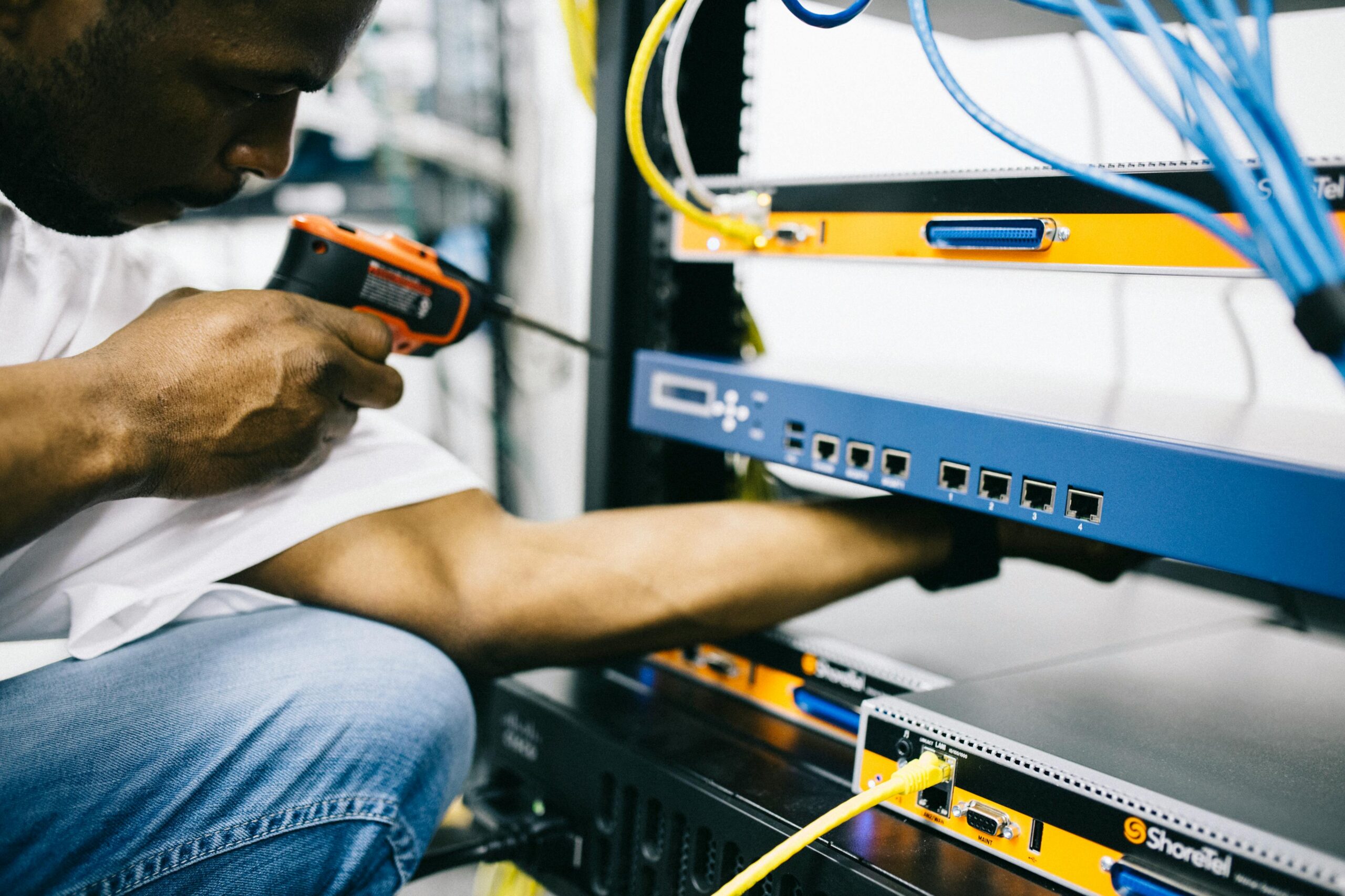
In today’s fast-paced digital world, reliable networking equipment is the backbone of every successful business. Whether you’re setting up a small office or managing a large enterprise, having the right tools ensures seamless communication, high-speed internet, and secure data transfer.
In this guide, we’ll break down the essential networking equipment every business needs and how to choose the right components for a smooth and efficient network.
1. Routers – The Gateway to the Internet
Why You Need It
A router connects your business to the internet and manages data traffic between devices. A high-performance router ensures stable connections, security, and fast speeds for multiple users.
Top Features to Look For
✔ Dual-band or tri-band Wi-Fi for better speed distribution
✔ Gigabit Ethernet ports for high-speed wired connections
✔ Advanced security features like VPN support and firewall protection
Recommended Model: Ubiquiti UniFi Dream Machine
✅ High-speed Wi-Fi 6 for multiple devices
✅ Built-in security gateway and VPN support
✅ Centralized management for easy configuration
2. Network Switches – Expanding Your Connectivity
Why You Need It
Switches connect multiple devices within your network, improving performance and managing bandwidth efficiently. They’re essential for businesses with multiple workstations, IP phones, or network printers.
Types of Switches
- Unmanaged Switches – Plug-and-play, great for small businesses.
- Managed Switches – Offer more control over traffic, ideal for growing networks.
- PoE (Power over Ethernet) Switches – Provide power and data to devices like security cameras and access points.
Recommended Model: TP-Link TL-SG108 8-Port Gigabit Switch
✅ Compact and cost-effective
✅ Gigabit speeds for fast data transfer
✅ Energy-efficient design
3. Access Points – Extending Wi-Fi Coverage
Why You Need It
A single router’s Wi-Fi signal may not be enough for large offices or multi-floor buildings. Wireless access points (APs) extend coverage and improve network performance.
Key Features
✔ Dual-band or Wi-Fi 6 support for high-speed connections
✔ Seamless roaming between access points
✔ Multiple SSIDs for separate guest and employee networks
Recommended Model: Ubiquiti UniFi U6-LR Access Point
✅ Covers large areas with strong signal
✅ Wi-Fi 6 technology for faster performance
✅ Easy cloud-based management
4. Network Cabinets – Keeping Your Equipment Organized
Why You Need It
A network cabinet houses and protects routers, switches, and servers. It keeps cables organized and prevents unauthorized access to critical hardware.
Key Considerations
✔ Size and scalability – Choose based on the number of devices you need to store.
✔ Ventilation – Proper airflow prevents overheating.
✔ Security locks – Protects against tampering.
Recommended Model: Tripp Lite 12U Wall-Mount Rack Enclosure
✅ Compact and wall-mountable
✅ Lockable door for added security
✅ Sturdy build with proper ventilation
5. Network Adapters – Connecting More Devices
Why You Need It
Network adapters enable devices without built-in Wi-Fi to connect wirelessly or improve wired connectivity. They’re useful for desktop PCs, older laptops, and gaming consoles.
Types of Adapters
- USB Wi-Fi Adapters – Plug into a USB port for instant wireless connectivity.
- PCIe Network Cards – Provide faster and more stable connections for desktops.
- Ethernet Adapters – Allow devices without an Ethernet port to connect via cable.
Recommended Model: TP-Link Archer T3U AC1300 USB Adapter
✅ Dual-band Wi-Fi for stable connectivity
✅ Compact and portable design
✅ Ideal for desktops and laptops
Final Thoughts: Building a Strong Business Network
A well-structured network ensures seamless communication, fast data transfer, and uninterrupted internet access for businesses of all sizes. Here’s a quick recap of what you need:
✅ Router – Manages network traffic and internet access
✅ Switch – Connects multiple wired devices
✅ Access Points – Expands Wi-Fi coverage
✅ Network Cabinet – Organizes and protects networking gear
✅ Network Adapters – Provides connectivity for non-Wi-Fi devices
Investing in the right networking equipment helps your business stay connected, secure, and productive.
🚀 Looking to upgrade your business network? Check out our top-quality networking products today!